Download Video and Audio from YouTube
Y2mate is a free YouTube downloader that turns any public YouTube video into a file you can keep. Search for a song or a video by name, or paste the link, press Start, and choose an MP4 video in 1080p, 720p, 480p or 360p, or an MP3 if you only want the sound. There is no software to install and no account to create.
The search box works like a small YouTube search. Type a few words, pick the right video from the list, and the download options appear right away. It works the same on Android phones, iPhones, tablets, Windows PCs and Macs, in any modern browser.
How to download YouTube videos using Y2mate
- Type a keyword in the search box or paste the YouTube link you want to download.
- Press the Start button. Y2mate reads the video in a few seconds.
- Choose MP4 or MP3 and the quality you want, then tap Download.
Y2mate advantages
- Convert and download for free, as often as you like
- No registration and no login
- MP4 video and MP3 audio from the same page
- Search by keyword or paste a link
- No app, no extension, no pop-up installer
Free unlimited conversion
Download as many YouTube videos as you want. No credits, no premium plan, no waiting timer.
Easy to use
One box, one Start button. Paste a link or type a name and the options appear in seconds.
High quality
MP4 in every quality YouTube has for the video, up to 1080p, always with sound.
Fast downloads
The file is packed while it downloads, so you are not stuck watching a progress bar.
No installation
Y2mate runs in your browser. Nothing to install, nothing left behind on your phone.
All devices
Android, iPhone, iPad, Windows, macOS and Linux, in Chrome, Safari, Edge, Firefox or Opera.
YouTube to MP4: pick the right quality
Every MP4 from the YouTube to MP4 converter is a normal video file with H.264 picture and AAC sound. That combination plays on phones, smart TVs, car screens, game consoles and every video editor, so you never have to convert it again.
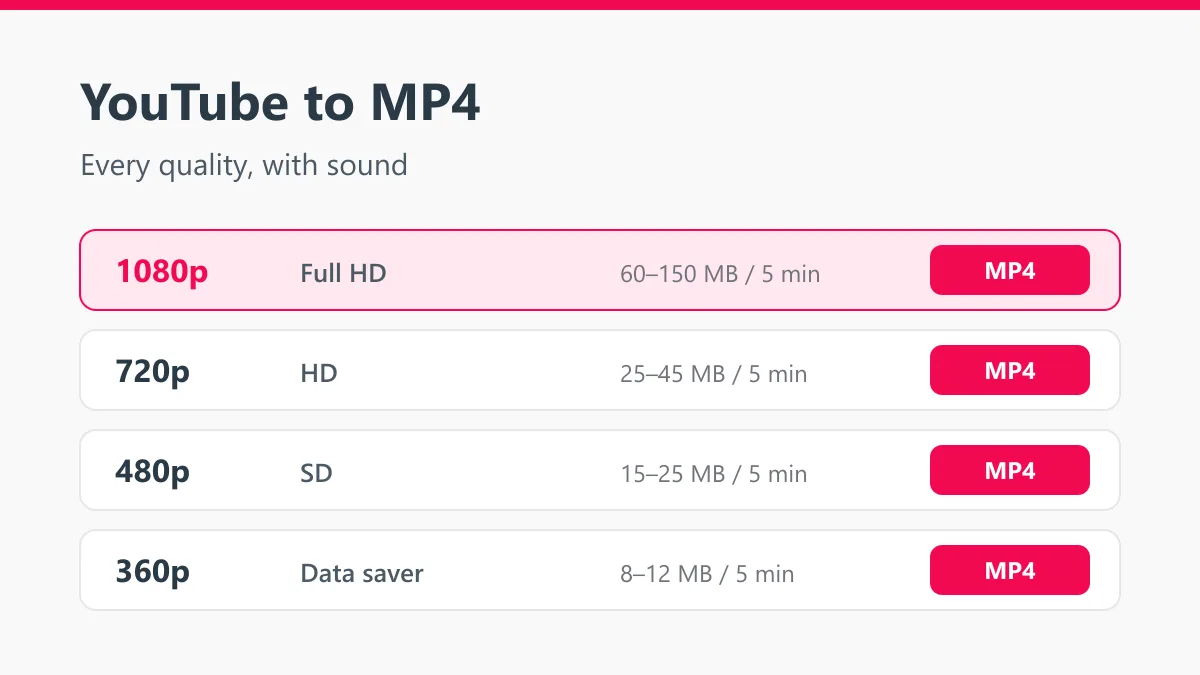
| Quality | Good for | Size for 5 minutes |
|---|---|---|
| 1080p Full HD | TV, laptop, editing | 60 – 150 MB |
| 720p HD | Phones and tablets | 25 – 45 MB |
| 480p | Talks, lectures, slow connections | 15 – 25 MB |
| 360p | Saving storage and data | 8 – 12 MB |
Y2mate does not upscale. If a video was uploaded in 720p, you will see 720p as the top option. A fake 1080p made from a 720p source would only be a bigger file with the same blurry picture.
YouTube to MP3: keep only the sound
For songs, podcasts, audiobooks and lectures you rarely need the picture. Use the YouTube to MP3 converter or switch to the audio tab, and Y2mate gives you two choices:
- MP3 at 192 kbps, which plays on every phone, car stereo and old MP3 player
- M4A, the original AAC audio from YouTube without any re-encoding
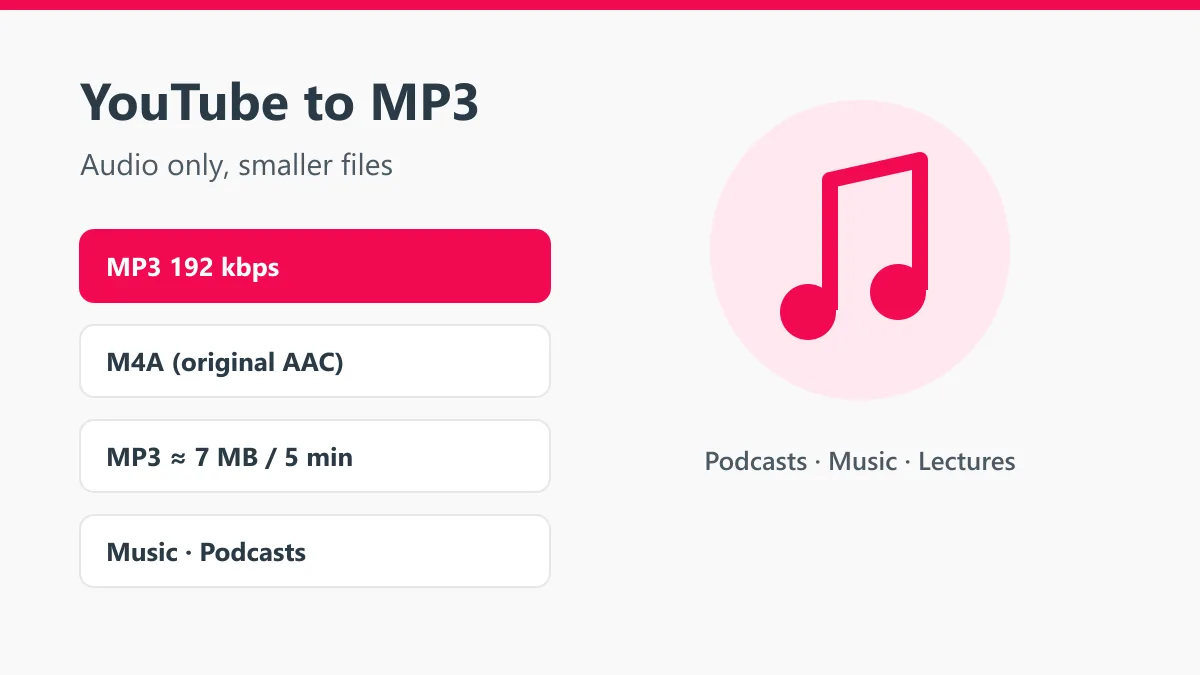
A five-minute song is about 7 MB as an MP3, while the same video in 1080p can be ten or twenty times larger. Y2mate does not label a 128 kbps source as “320 kbps”. YouTube’s own audio tops out at roughly that level, so a higher number would only add file size, not quality.
Search YouTube without leaving Y2mate
You do not have to open YouTube first. Type the name of a song, an artist, a tutorial or a channel into the box and press Start. Y2mate shows the matching videos with their thumbnails and titles. Tap Download on the right one and the format list opens.
Playlist links work too. Paste a playlist URL and you get the list of its videos, so you can save the ones you need one by one.
Download on Android, iPhone or PC
Android
Open the YouTube app, tap Share and then Copy link. Open Chrome, go to www.y2mate.shop, paste the link and press Start. Pick a quality and the file saves to your Download folder. Open it from the Files app or your gallery.
iPhone and iPad
Use Safari. After the download finishes, open the Files app, go to Downloads, tap the video, then Share and Save Video. It moves into the Photos app. This works on iOS 13 and newer with no extra app.
Windows, Mac and Linux
Copy the address from the browser bar while the video plays, paste it into Y2mate and press Start. The file lands in your Downloads folder. MP4 files open in VLC, Windows Media Player, QuickTime and any editor.
Supported YouTube links
Y2mate accepts every common YouTube address:
- youtube.com/watch?v=… (normal videos)
- youtu.be/… (short share links)
- youtube.com/shorts/… (Shorts)
- m.youtube.com/… (mobile links)
- music.youtube.com/watch?v=… (YouTube Music)
- youtube.com/playlist?list=… (playlists)
Live streams can be saved after they end and YouTube has finished processing the recording.
Which Y2mate is safe?
Because the name is famous, there are many sites that copy it. Some of them hide the real download behind fake buttons, open pop-up tabs or push you to install an extension or an APK. A downloader only needs the link, nothing else.
On www.y2mate.shop you will never be asked to:
- install an app, an extension or a “player”
- sign in with Google, YouTube or any other account
- allow notifications to “continue”
- enter a phone number or an email address
If a page that calls itself Y2mate asks for any of these, leave it.
Is downloading from YouTube allowed?
It depends on the video. Your own uploads, videos with a Creative Commons license and public domain footage are fine to save. For anyone else’s work you need the creator’s permission, and you should never upload someone else’s video as your own. Y2mate is an independent tool and is not affiliated with YouTube or Google.