The Y2mate Facebook video downloader saves public Facebook videos and Reels to your phone or computer. Copy the link of the video, paste it into the box above and press Start. You get the video as an MP4 file in HD when Facebook has it, plus a lighter SD version and the audio as MP3.
No app, no browser extension and no Facebook login. Everything happens in your browser and the file goes straight to your Downloads folder.
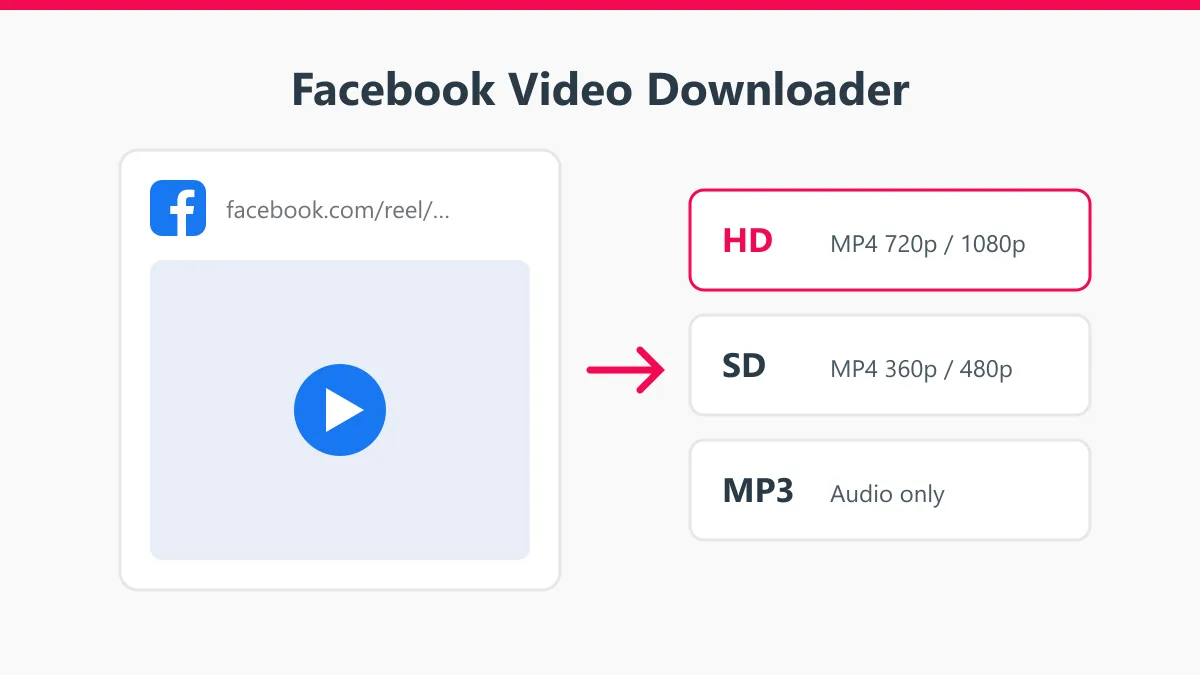
How to download Facebook videos
- Find the video on Facebook. Tap Share under the post, then Copy link. On a computer, you can also click the time stamp of the post and copy the address bar.
- Paste the link into the box at the top of this page and press Start.
- Pick HD or SD, or MP3 for the sound only, and tap Download.
Links that work
- facebook.com/watch/?v=… (Facebook Watch videos)
- facebook.com/username/videos/… (videos on pages and profiles)
- facebook.com/reel/… (Reels)
- fb.watch/… (short share links)
- m.facebook.com/… (mobile links)
- facebook.com/share/v/… and facebook.com/share/r/… (new share links)
The post must be public. If you can open the link in a private browser window without logging in, Y2mate can usually download it.
Download Facebook videos on your phone
Android
In the Facebook app tap Share, then Copy link. Open Chrome, go to www.y2mate.shop/facebook-video-downloader/, paste and press Start. The MP4 is saved in the Download folder and shows up in your gallery.
iPhone
Copy the link in the Facebook app and open this page in Safari. After the download, open the Files app, go to Downloads, tap the video and choose Share, then Save Video to move it to Photos.
HD or SD?
| Version | Typical resolution | Good for |
|---|---|---|
| HD | 720p or 1080p | Watching on a laptop or TV, editing |
| SD | 360p to 480p | Phones, sending in chats, saving data |
| MP3 | Audio only | Music, speeches, sermons, podcasts |
Facebook decides which versions exist. Older videos and videos uploaded from phones on slow connections often have only SD.
Common problems
- “Video not found”: the post is private, deleted, or only visible to friends or group members.
- Only SD shows: Facebook has no HD copy of that video.
- A Live video fails: wait until the broadcast ends and Facebook finishes processing the recording.
- Stories: they need a logged-in account, so they cannot be downloaded here.
More Y2mate tools
For YouTube videos go back to the Y2mate YouTube downloader. You can also convert YouTube to MP4 in a chosen quality or save vertical clips with the YouTube Shorts downloader.
Respect the creator
Download your own videos or videos you have permission to use. Don’t re-upload someone else’s video as your own. Y2mate is an independent tool and is not affiliated with Facebook or Meta.