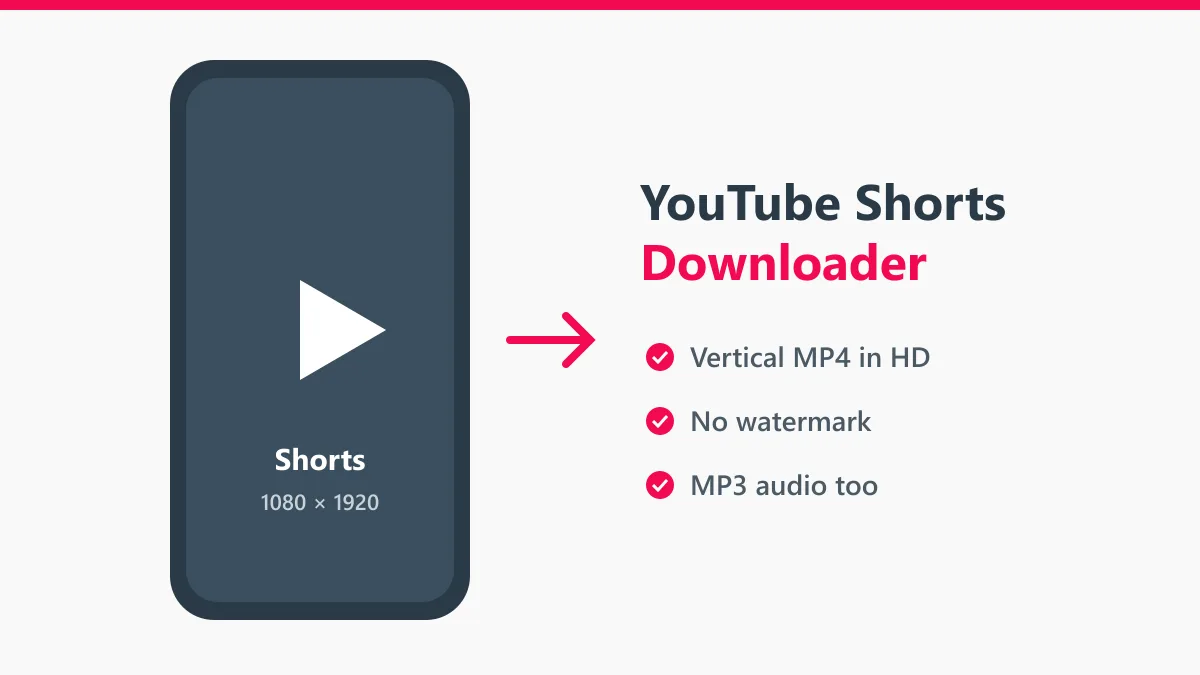
The Y2mate YouTube Shorts downloader saves Shorts as vertical MP4 files. Paste the link of a Short, press Start, and download it in the highest quality YouTube has, usually 1080 × 1920. There is no watermark, no app to install and no account to create.
Shorts are made for phones, so the file keeps the 9:16 shape. It fills the screen when you watch it in your gallery, and it is ready to post again as a Reel or a TikTok if it is your own clip.
How to download YouTube Shorts
- Open the Short in the YouTube app, tap Share and then Copy link.
- Paste the link into the box at the top of this page and press Start.
- Pick a quality and tap Download. The vertical MP4 is saved to your phone.
On a computer, open the Short in the browser and copy the address bar. It looks like youtube.com/shorts/ followed by the video ID.
Shorts formats
| Download | What you get | Good for |
|---|---|---|
| MP4 1080p | 1080 × 1920 vertical video with sound | Keeping, editing, reposting your own clips |
| MP4 720p | 720 × 1280, smaller file | Sending in chats, saving storage |
| MP3 | Sound only | Songs and audio clips used in Shorts |
A 60-second Short in 1080p is usually 10 to 25 MB, so it saves in seconds even on mobile data.
Edit your Shorts after downloading
The MP4 uses H.264 and AAC, so it opens directly in CapCut, VN, InShot, Premiere Rush and iMovie. Creators often download their own Shorts to cut a longer video, add subtitles or post the same clip on Instagram Reels and TikTok.
If a Short won’t download
- Age-restricted or private Shorts need a signed-in account, so they cannot be saved.
- Shorts that were deleted or made private return “video not found”.
- If the download stops, keep the browser tab open until it completes. Phones can pause downloads when the screen locks.
More Y2mate tools
For regular videos use the Y2mate YouTube downloader or the YouTube to MP4 converter. For clips from Facebook, use the Facebook video downloader.
Fair use
Download your own Shorts or clips you have permission to use. Reposting someone else’s Short as your own can get your account flagged. Y2mate is not affiliated with YouTube or Google.