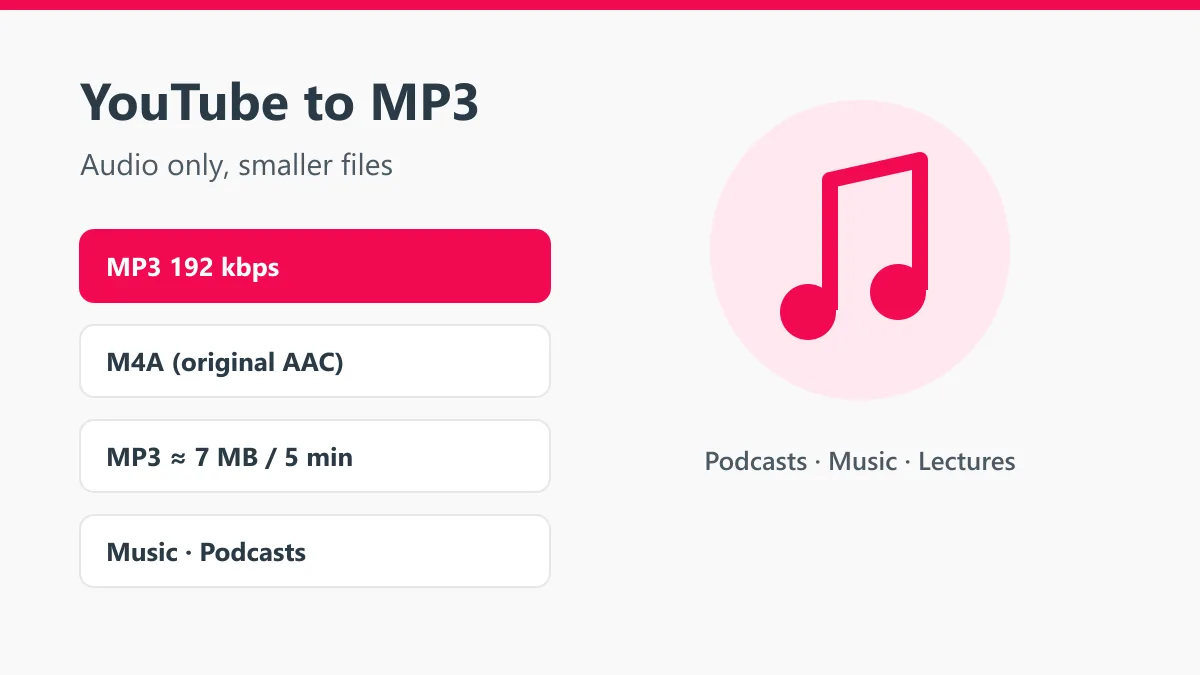
The Y2mate YouTube to MP3 converter saves the sound of any public YouTube video as an MP3 file. Paste a link or simply type the name of a song, press Start, and the audio options appear: MP3 at 192 kbps, which plays everywhere, and M4A, the original audio track from YouTube. No app, no account and no limit on how many songs you convert.
Audio files are small, so they are perfect for music, podcasts, sermons, audiobooks, lectures and language lessons you want to hear offline, in the car or at the gym.
How to convert YouTube to MP3
- Copy the video link from YouTube (Share, then Copy link) or think of the song’s name.
- Paste the link or type the name into the box at the top of this page and press Start.
- If you searched, tap the right song in the list. The audio tab opens with MP3 and M4A.
- Tap Download. The file goes to your Downloads folder.
MP3 or M4A?
| Format | What it is | Best for |
|---|---|---|
| MP3 192 kbps | Converted audio, universal format | Car stereos, old MP3 players, sharing |
| M4A (AAC) | YouTube’s original audio, untouched | Phones, computers, best possible copy |
Both sound the same on a phone with normal earphones. Pick MP3 if you are not sure where the file will be played.
Why we don’t offer “320 kbps”
YouTube stores most music at around 128 kbps AAC. Converting that to a 320 kbps MP3 can’t bring back detail that was never there; it only makes the file two and a half times bigger. Some converters show 320 kbps because the number looks good. Y2mate gives you 192 kbps, which keeps everything the source has, plus the untouched M4A for anyone who wants the original.
File sizes
| Length | MP3 192 kbps |
|---|---|
| 3-minute song | about 4 MB |
| 5-minute song | about 7 MB |
| 30-minute podcast | about 42 MB |
| 1-hour lecture | about 85 MB |
That is roughly ten to twenty times smaller than the same video as 1080p MP4.
Search songs without opening YouTube
You don’t need the link. Type an artist and song title, for example “Coldplay Yellow”, and press Start. Y2mate searches YouTube and shows the matching videos with thumbnails and duration, so you can pick the official audio or the live version you want.
Where to find the MP3
- Android: Files app, then Download. Most music players pick up new MP3s on their own.
- iPhone: Files app, then Downloads. Play it there or open it in a player that reads files.
- Windows and Mac: your Downloads folder. Drag it into your music library or onto a USB stick for the car.
Tips for better results
- Choose the official upload or “Official Audio” video. Fan uploads are often re-recorded and sound worse.
- Live performances and lyric videos usually have the same audio quality as the official clip.
- For long mixes and podcasts, MP3 keeps the file small enough for a phone.
More Y2mate tools
To keep the picture as well, use the YouTube to MP4 converter or the main Y2mate YouTube downloader. Vertical clips go through the YouTube Shorts downloader, and Facebook clips through the Facebook video downloader.
Respect the artist
Convert music and talks you own, content under a free license, or audio you have permission to keep. Streaming services pay artists for every play, so support the creators you listen to. Y2mate is not affiliated with YouTube or Google.